









to do list (Admin only)
Polish Lesson
LESSON OVERVIEW
In this lesson we will be taking the learnings from Creating a foliage atlas to the test in order to create grass. This lesson will be showing you how to prepare your foliage atlas for grass, cutting out grass pieces and then taking it all into SpeedTree to make grass.
⚠️
Missing LESSON OVERVIEW
Foliage atlas creation
As we do not have proper scans of grass fronds, we need to find a workaround.
However we don't really have the resources for anything expensive, this being especially true if you are just starting as a beginners with lower available resources. The following method is a good workaround that finds a good balance between quality and not having to buy an expensive setup or pictures taken in a professional way.
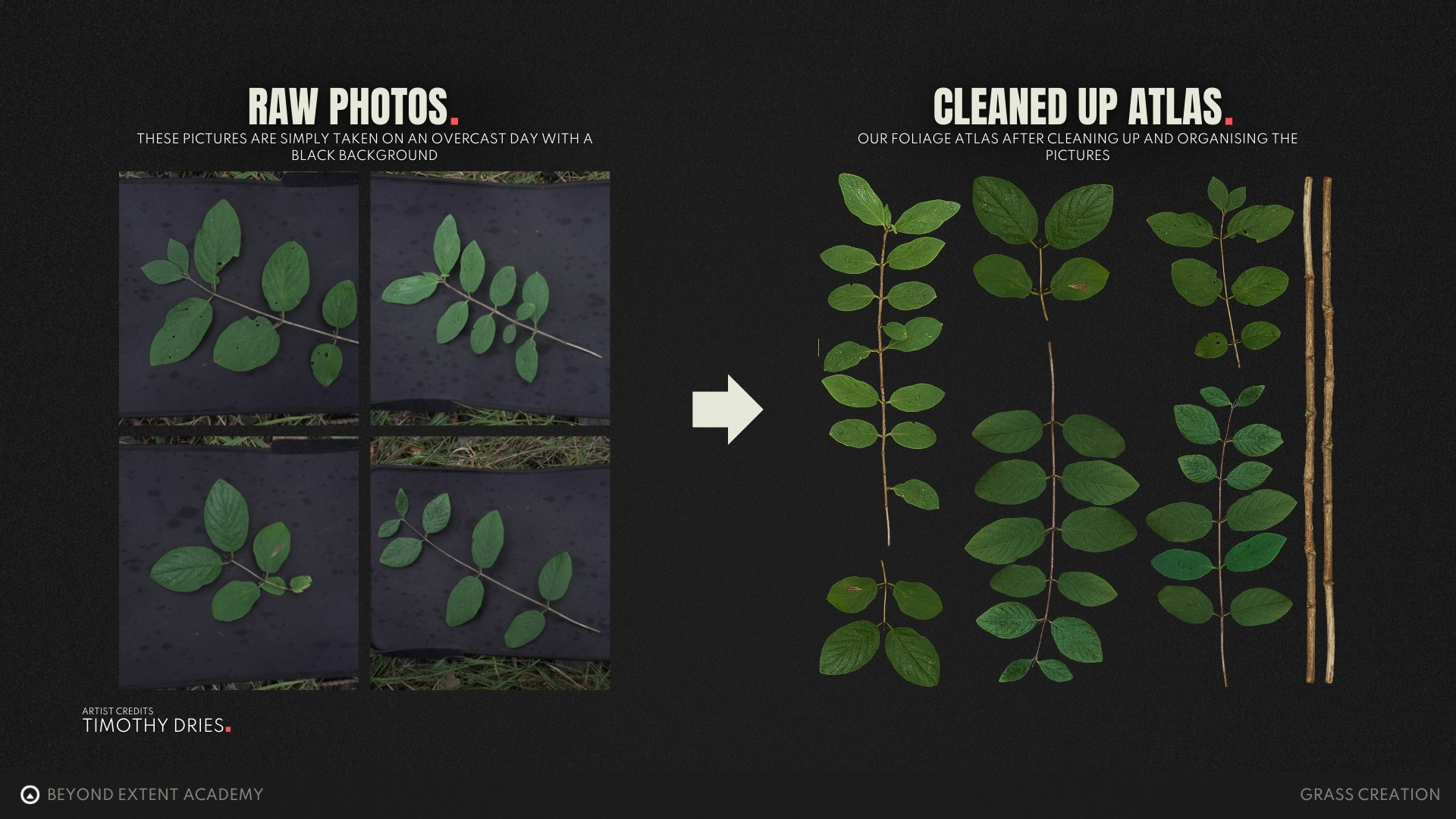
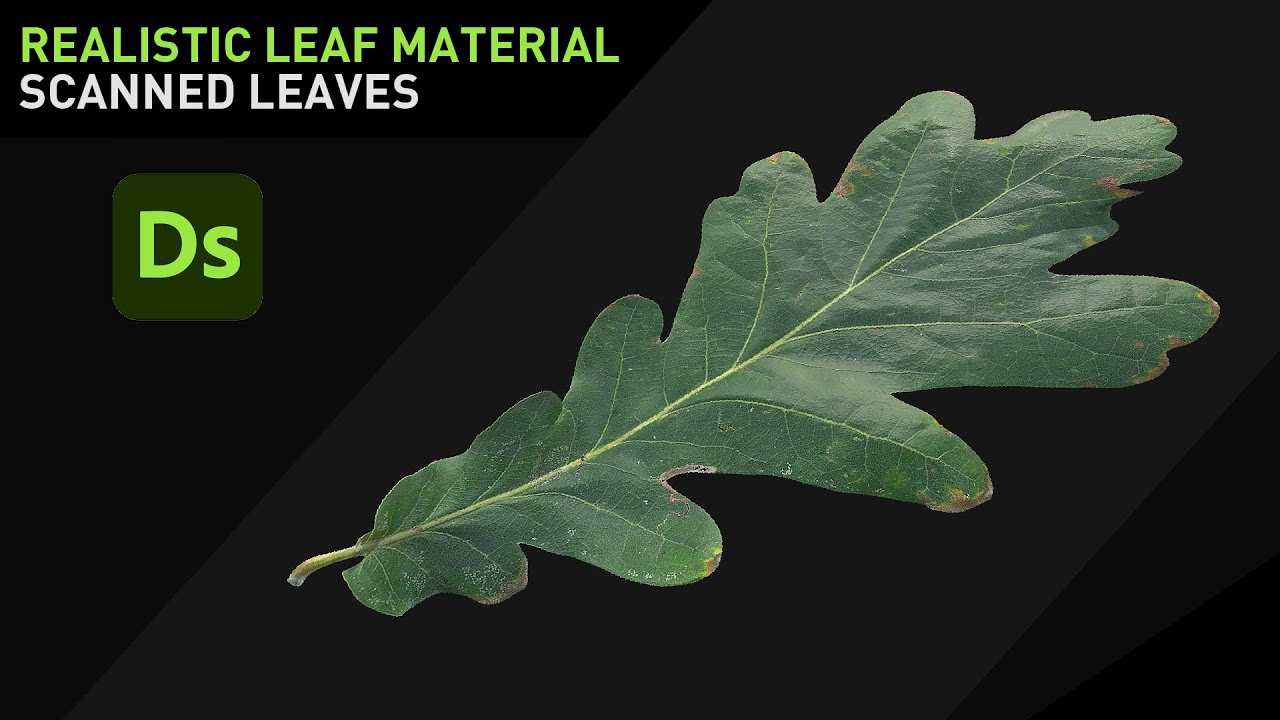
With a simple setup of taking a black matte piece of paper, your phone and some nice weather we can just go outside and take some top down pictures from a couple of individual pieces of grass that we can then combine to make our patches of grass later.
The following workaround may require some clean up, which we will take a look at in the following video.
CREATE A NORMAL MAP FROM BASECOLOR
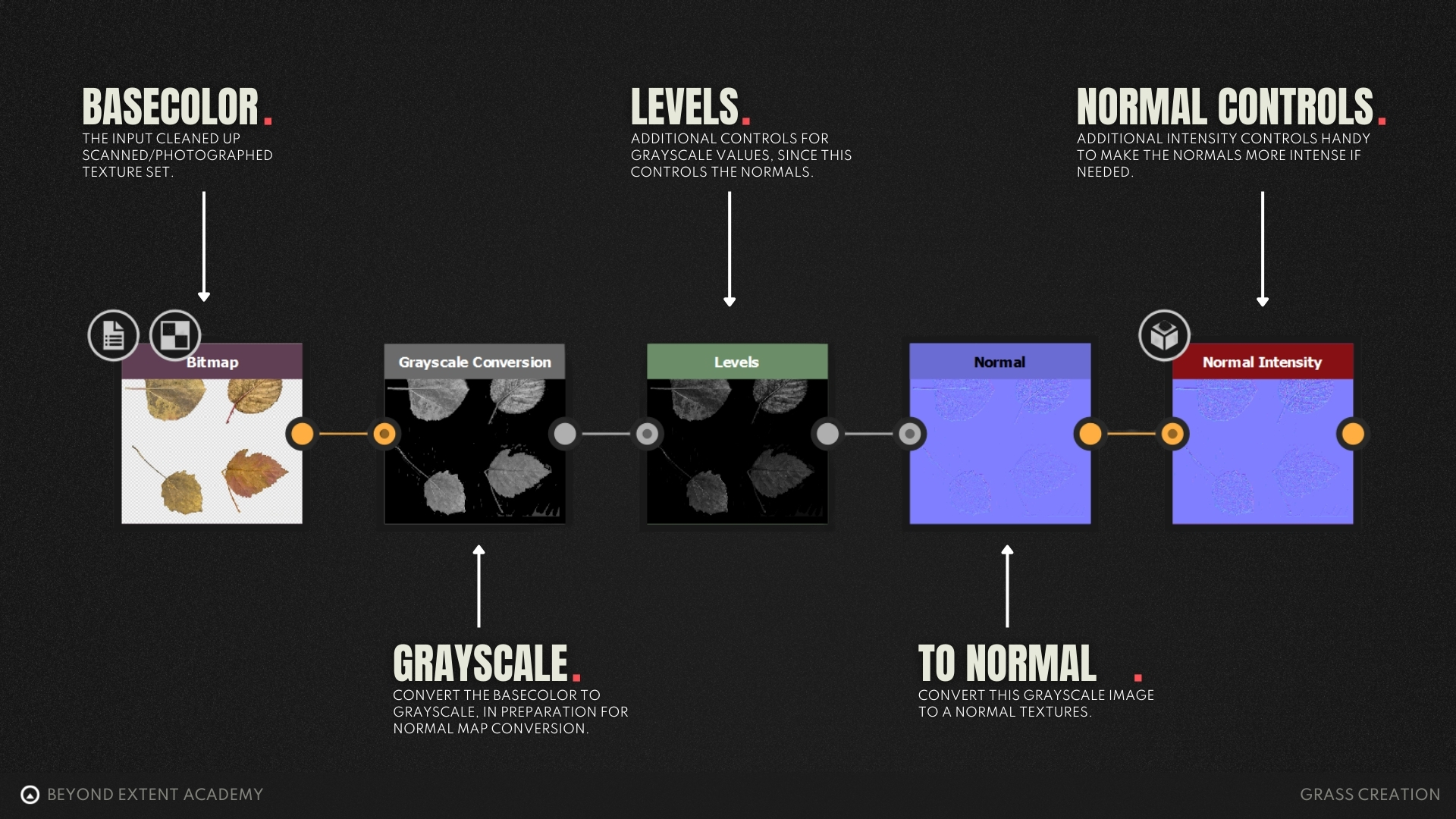
The video mentions no longer available normal map filters that are no longer a part of Photoshop, however, we can recreate this in Substance Designer with the following settings.
Here's an example of different foliage atlas that created using the same techniques as shown in the video above.
There's also a full breakdown video on how to your own foliage atlas using a more complex setup using photometric stereo photogrammetry.
You can find this in the RESOURCES section.
exercise
Scanning your own Grass Leaves
⚠️
Missing EXERCISE IMAGE/VIDEO
goal
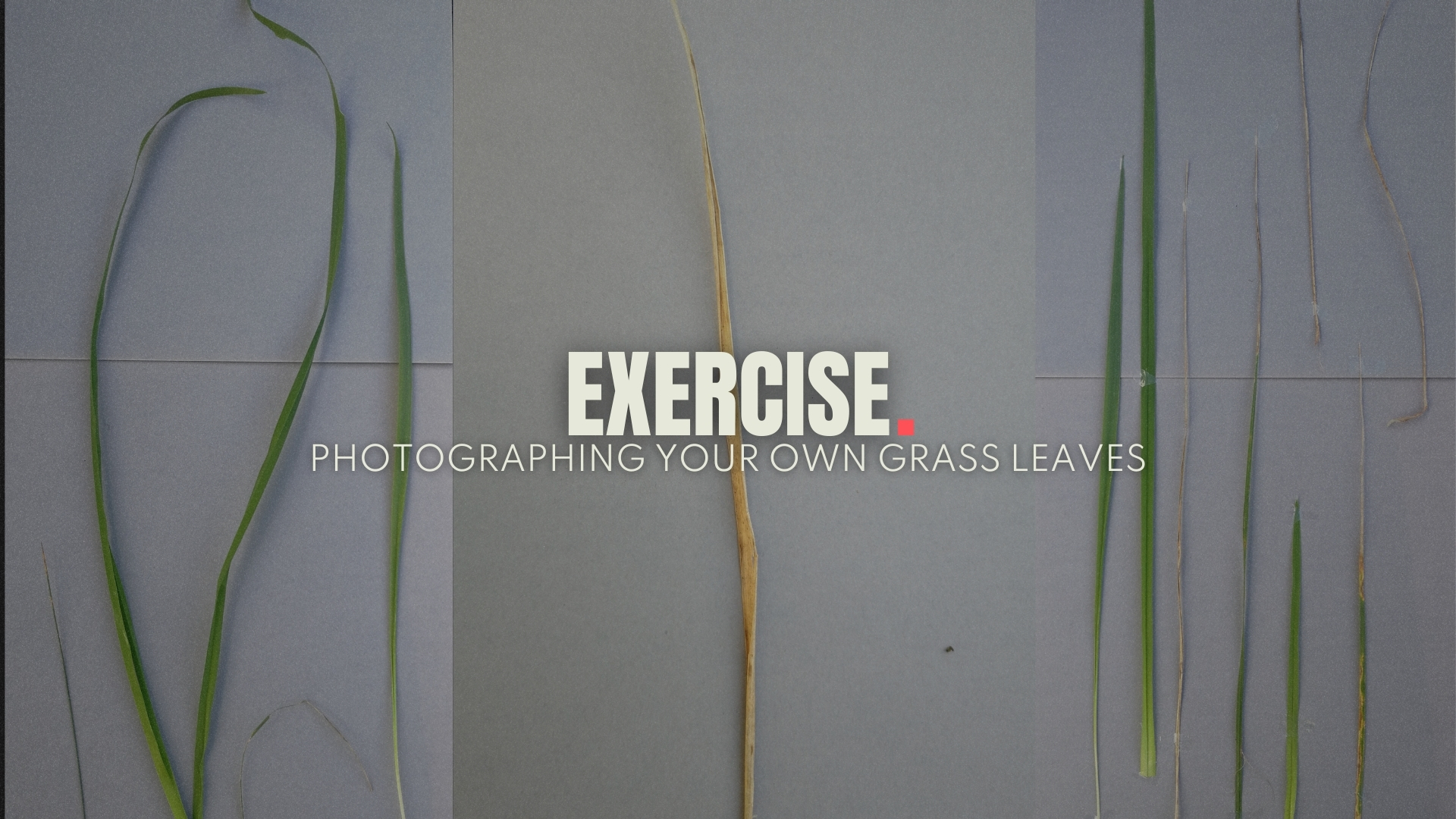
Create or Capture your own leaf atlas data which you can then use to create your own Foliage Atlas later on. For this exercise we will be making use of some quick scanned data, leaning into photogrammetry.
⚠️
MISSING DOWNLOADABLE CONTENT
process
1. Go outside on an overcast day with a black piece item as a base 2. Grab a couple of grass strands 3. Lay them on the paper and photograph them straight down
Speedtree setup
Now that we have our foliage atlas, we can jump straight into SpeedTree to start working on the actual meshes, staring with the individual meshes and later combining them into grass tufts we can use.
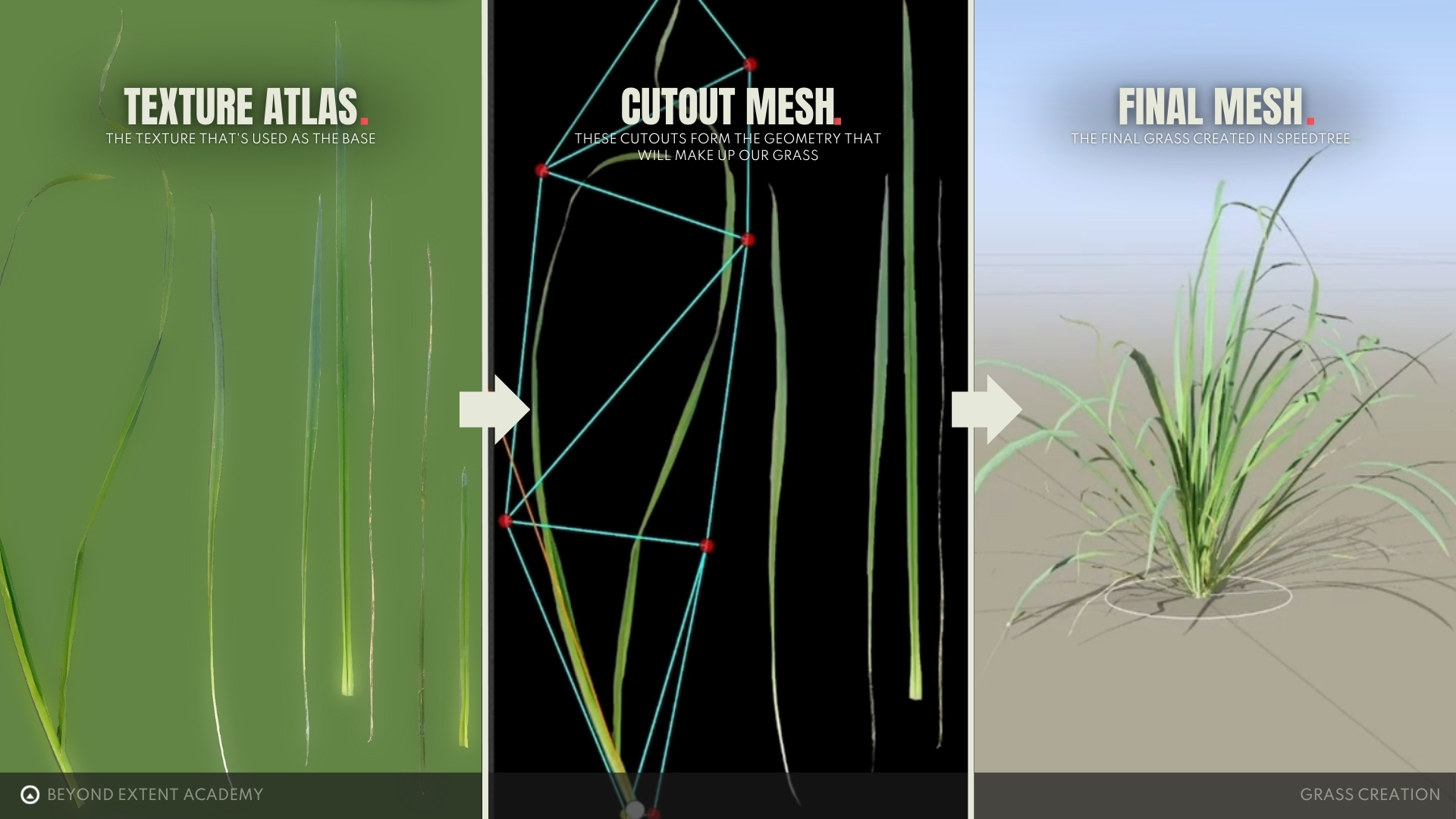
Cutting our grass strands
First step here is to import our foliage Atlas textures and set them as our material. Then then allows us to open the "Cutout Editor" which can be used to make cutout meshes, these are flat pieces of geometry based on a texture.
exercise
Creating Cutouts in Speedtree
⚠️
Missing EXERCISE IMAGE/VIDEO
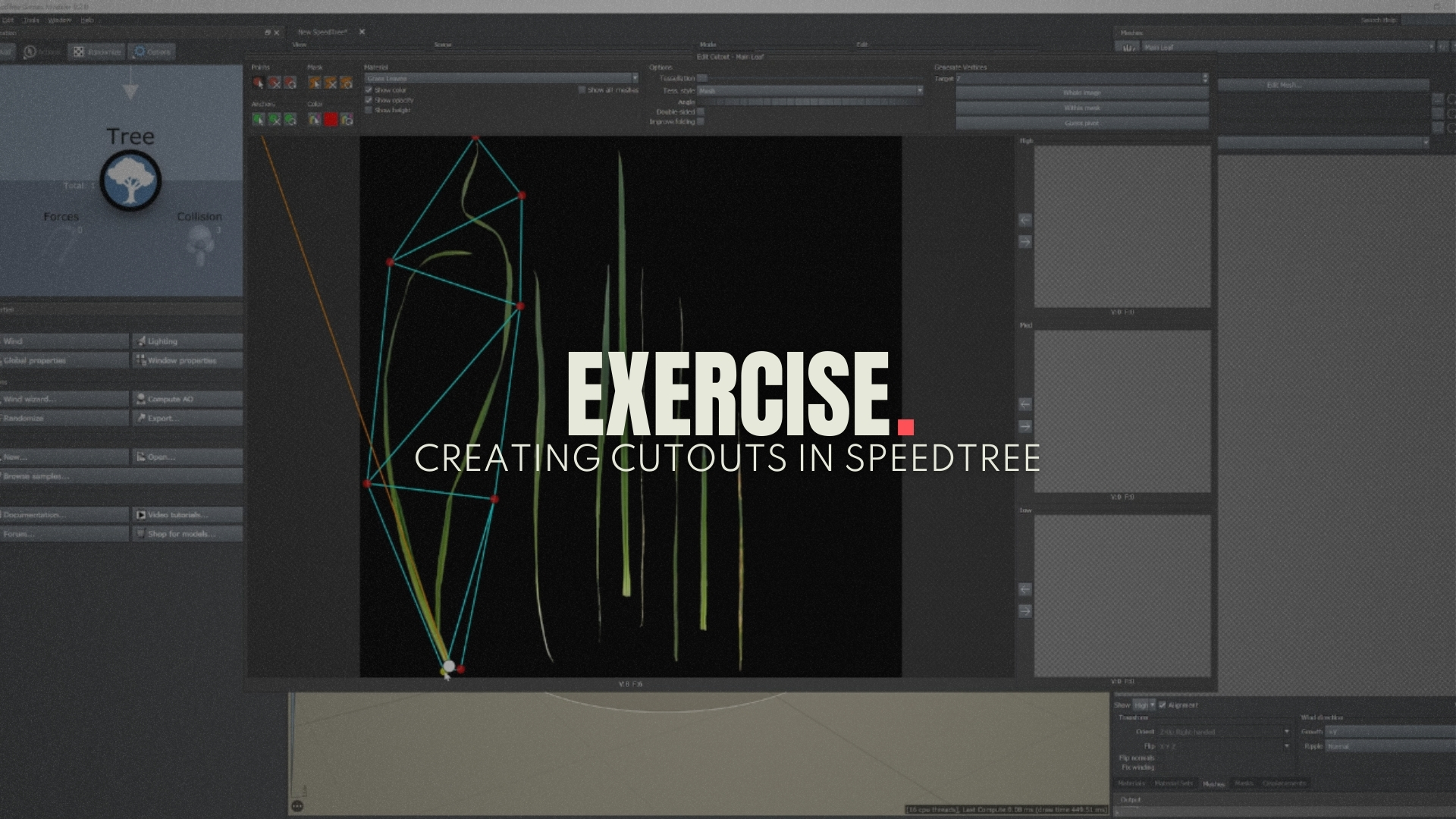
goal
Setups and create your own cutout meshes in Speedtree.
⚠️
MISSING DOWNLOADABLE CONTENT
process
To create any sort of foliage based on a texture we need to make use of "Cutout Meshes" in Speedtree, these are our meshes that we can then use to create our grass. In this exercise we want you to setup your own cutout meshes to then create our grass from.
Creating our grass
We just created our leaf cards and are now able to work on the grass asset itself. There are multiple ways of doing this and for the purpose of keeping things simple for now, we are going to create a simple bushy grass tuft.
Take into account that actual grass grows more like bamboo and needs a more complex setup but for now we want to keep it simple to get used to the SpeedTree.
Always analyze your references thoroughly and try the best to replicate the structure of the plant you are working on.
exercise
Creating your first piece of grass
⚠️
Missing EXERCISE IMAGE/VIDEO
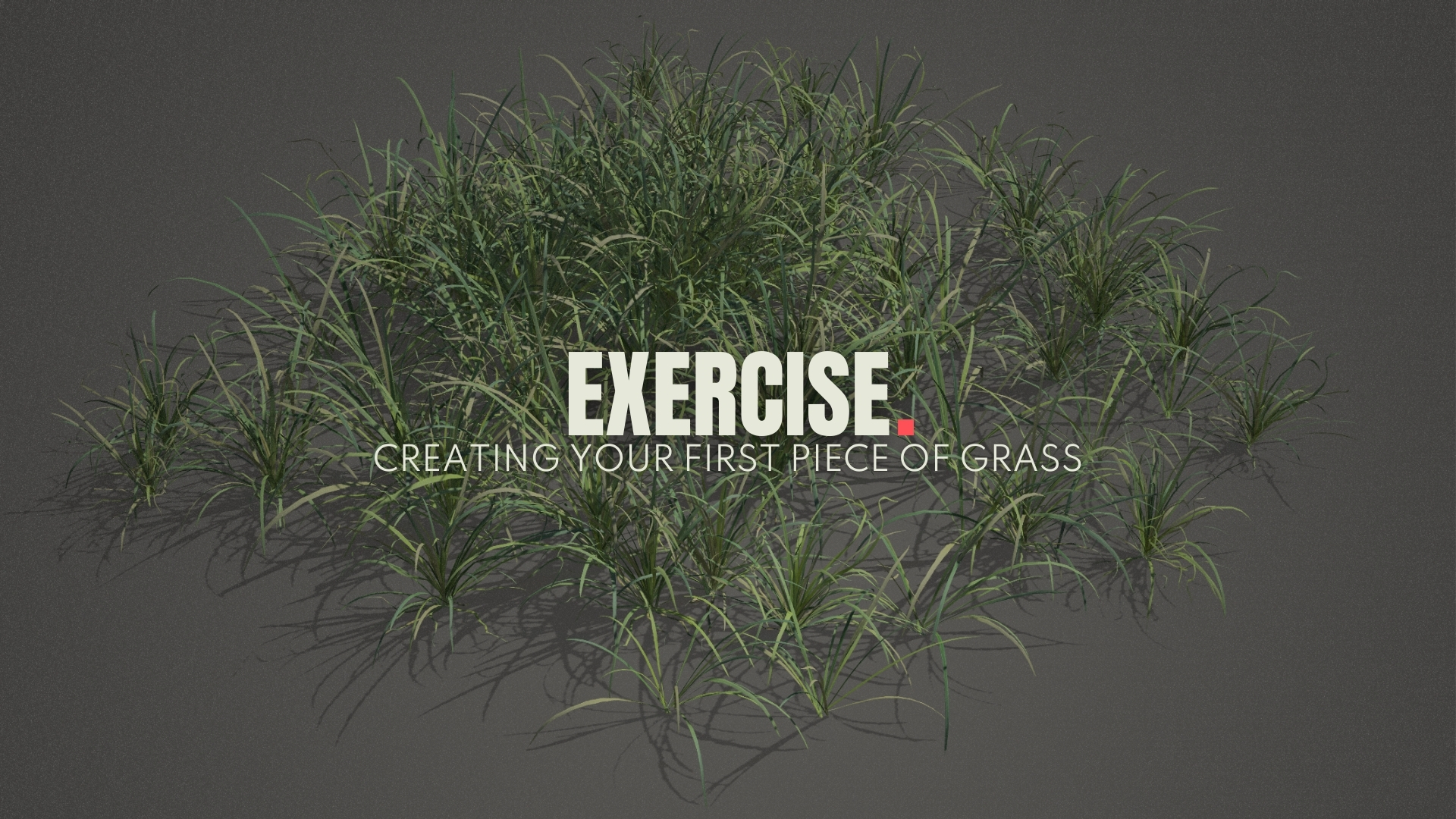
goal
Follow previous videos and create your own grass mesh.
⚠️
MISSING DOWNLOADABLE CONTENT
process
Use the previous example videos to create your own grass meshes inside of SpeedTree, either using the content provided or your own content.
Lod creation
As we mentioned before optimisation is really important when scattering grass, so let's dive into the LOD creation process. A difference 0f 10 triangles can mean a difference between 10000 triangles or more on a scene basis, just for one asset in your scene. Which could be huge!
So let's dive into creating LOD's for your foliage assets before finishing off our grass asset.
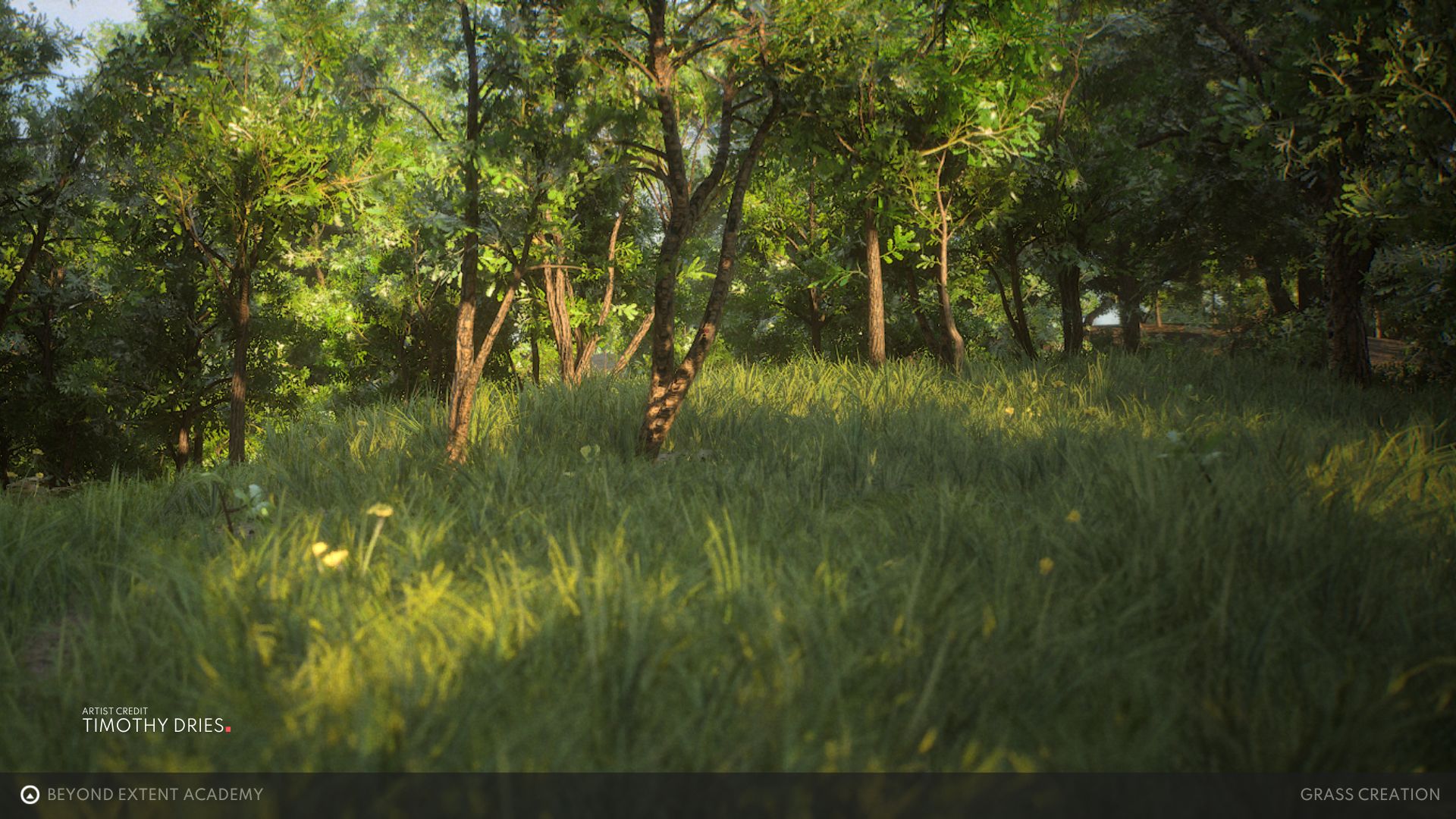
This completed this short lesson on creation your own grass meshes, all these techniques can also be used to create stylised grass at the same time, so make sure to experiment with the foliage atlas you bring to the table.
So make sure to keep optimisation on mind!
RESOURCES
⚠️
MISSING RESOURCES